
Firmware Directory
iOS 18.x
Latest Version
iOS 18.7.11
Supported Models
30 Devices
Release Date
Oct 26, 2026
Build ID
22H384
Choose an iPhone
30
Compatible Models
Select a device to view available iOS 18.x IPSW restore firmwares
iOS
30 models iOS
iOSiPhone17,5
iPhone 16e
Get IPSW
iPhone17,4
iPhone 16 Plus
Get IPSW
iPhone17,3
iPhone 16
Get IPSW
iPhone17,2
iPhone 16 Pro Max
Get IPSW
iPhone17,1
iPhone 16 Pro
Get IPSW
iPhone16,2
iPhone 15 Pro Max
Get IPSW
iPhone16,1
iPhone 15 Pro
Get IPSW
iPhone15,5
iPhone 15 Plus
Get IPSW
iPhone15,4
iPhone 15
Get IPSW
iPhone14,8
iPhone 14 Plus
Get IPSW
iPhone15,3
iPhone 14 Pro Max
Get IPSW
iPhone15,2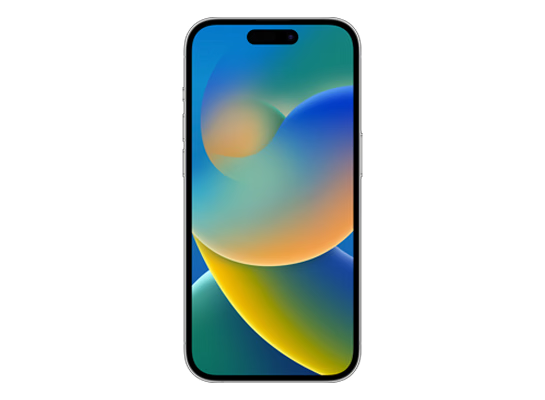
iPhone 14 Pro
Get IPSW
iPhone14,7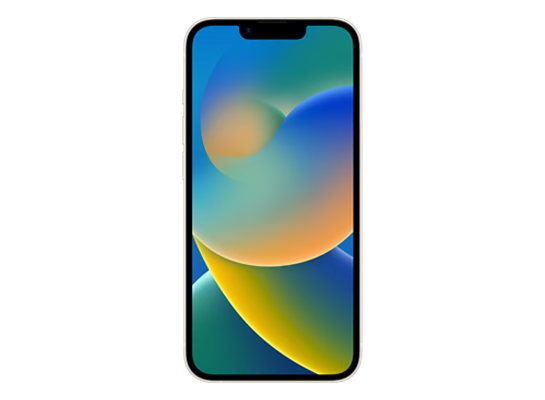
iPhone 14
Get IPSW
iPhone14,6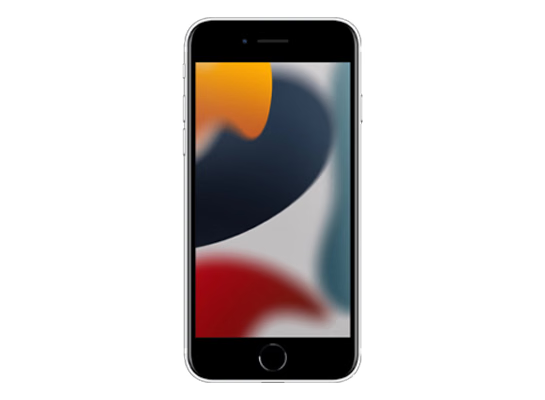
iPhone SE (3rd generation)
Get IPSW
iPhone14,3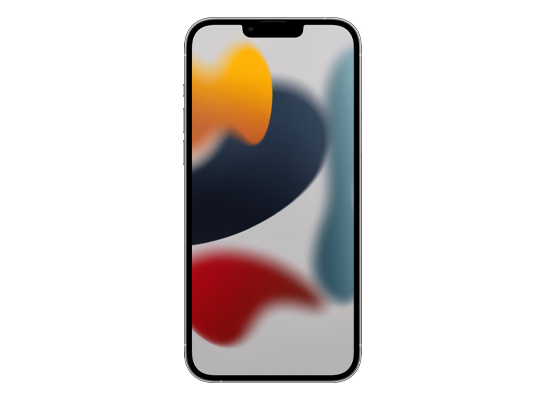
iPhone 13 Pro Max
Get IPSW
iPhone14,2
iPhone 13 Pro
Get IPSW
iPhone14,4
iPhone 13 mini
Get IPSW
iPhone14,5
iPhone 13
Get IPSW
iPhone13,4
iPhone 12 Pro Max
Get IPSW
iPhone13,1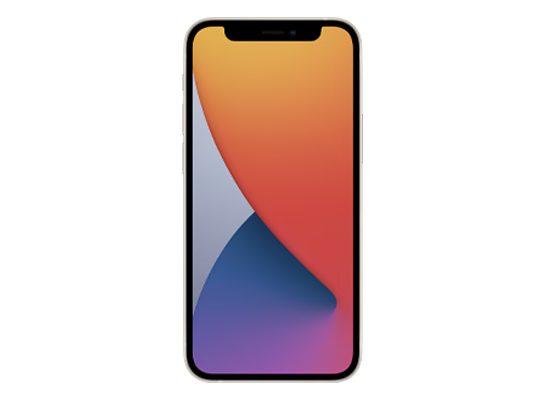
iPhone 12 mini
Get IPSW
iPhone13,3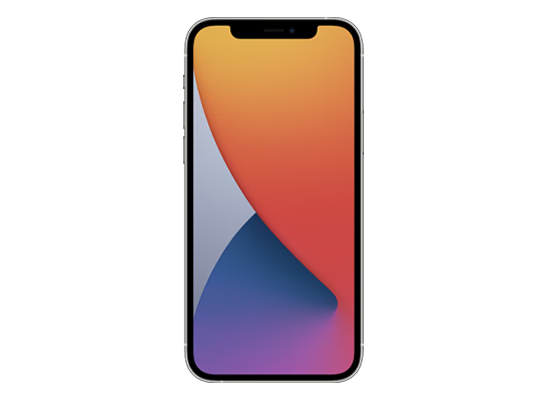
iPhone 12 Pro
Get IPSW
iPhone13,2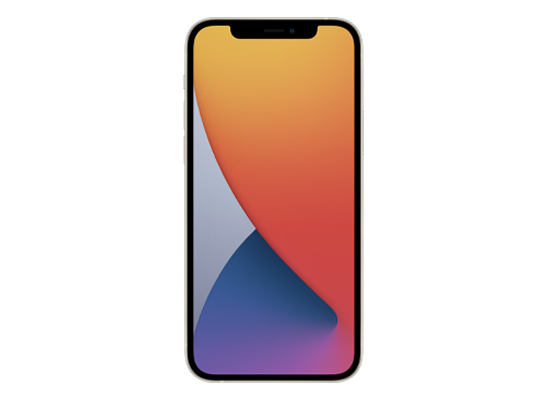
iPhone 12
Get IPSW
iPhone12,8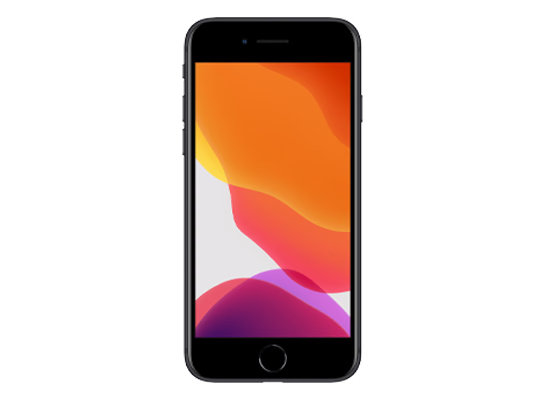
iPhone SE (2nd generation)
Get IPSW
iPhone12,5
iPhone 11 Pro Max
Get IPSW
iPhone12,3
iPhone 11 Pro
Get IPSW
iPhone12,1
iPhone 11
Get IPSW
iPhone11,8
iPhone XR
Get IPSW
iPhone11,4
iPhone XS Max (China)
Get IPSW
iPhone11,6
iPhone XS Max
Get IPSW
iPhone11,2
iPhone XS
Get IPSW
Restore Guide
How to install iOS 18 IPSW files
Connect your device via USB cable, open Finder (macOS) or Apple Devices / iTunes (Windows), hold Option (Mac) or Shift (Windows), and select the downloaded IPSW file to restore or update.
Mac
Option + Restore
Windows
Shift + Restore
Advertisement
Complete Guide to iOS 18 Firmware Files
Welcome to the dedicated download archive for iOS 18. This page lists every compatible device that supports the iOS 18 release cycle, allowing you to easily find the correct IPSW firmware file for your specific hardware model.
Whether you are dealing with a bricked device, wanting to downgrade to a stable build from a buggy newer release, or setting up a clean installation for security testing, our directory links directly to Apple's Content Delivery Network (CDN) to ensure you always receive 100% genuine and cryptographically signed files.
Why Download iOS 18 IPSW Files?
While most users update their devices Over-The-Air (OTA) directly through the Settings app, OTA updates only download the incremental changes between your current system and the new version. Over time, these delta updates can leave behind cached data, corrupted system files, or persistent battery drain bugs.
By downloading the full iOS 18 IPSW file, you bypass the OTA process entirely. Flashing an IPSW via Finder or iTunes completely erases the operating system partition and writes every single system file from scratch. This "clean install" method is universally recommended by Apple technicians for resolving deep-rooted software corruption, boot loops, or unresponsive touch screens.
Navigating the iOS 18 Lifecycle
The lifecycle of iOS 18 includes multiple phases, starting with early Developer Betas, transitioning to Public Betas, and culminating in stable, public point releases (e.g., 18.0, 18.1, 18.2).
If you have installed a later beta version that is causing app crashes or severe battery drain, you can use the IPSW files listed on this page to downgrade your device back to the last stable 18.x release. However, this is only possible if Apple is still cryptographically "signing" the target firmware. Once Apple stops signing a specific point release (usually a few weeks after a new update), iTunes will block the downgrade with an Error 3194.
How to Find Your Device
Apple compiles unique iOS 18 IPSW files for every specific hardware model. For example, a firmware file compiled for a Pro model will not successfully flash onto a standard model, even if they were released in the same year.
To ensure you download the correct file, select your exact device model from the categories above. If you are unsure which hardware identifier matches your device, you can usually find the physical Model Number (e.g., A2890) printed on the back of the device, inside the charging port, or under Settings > General > About.